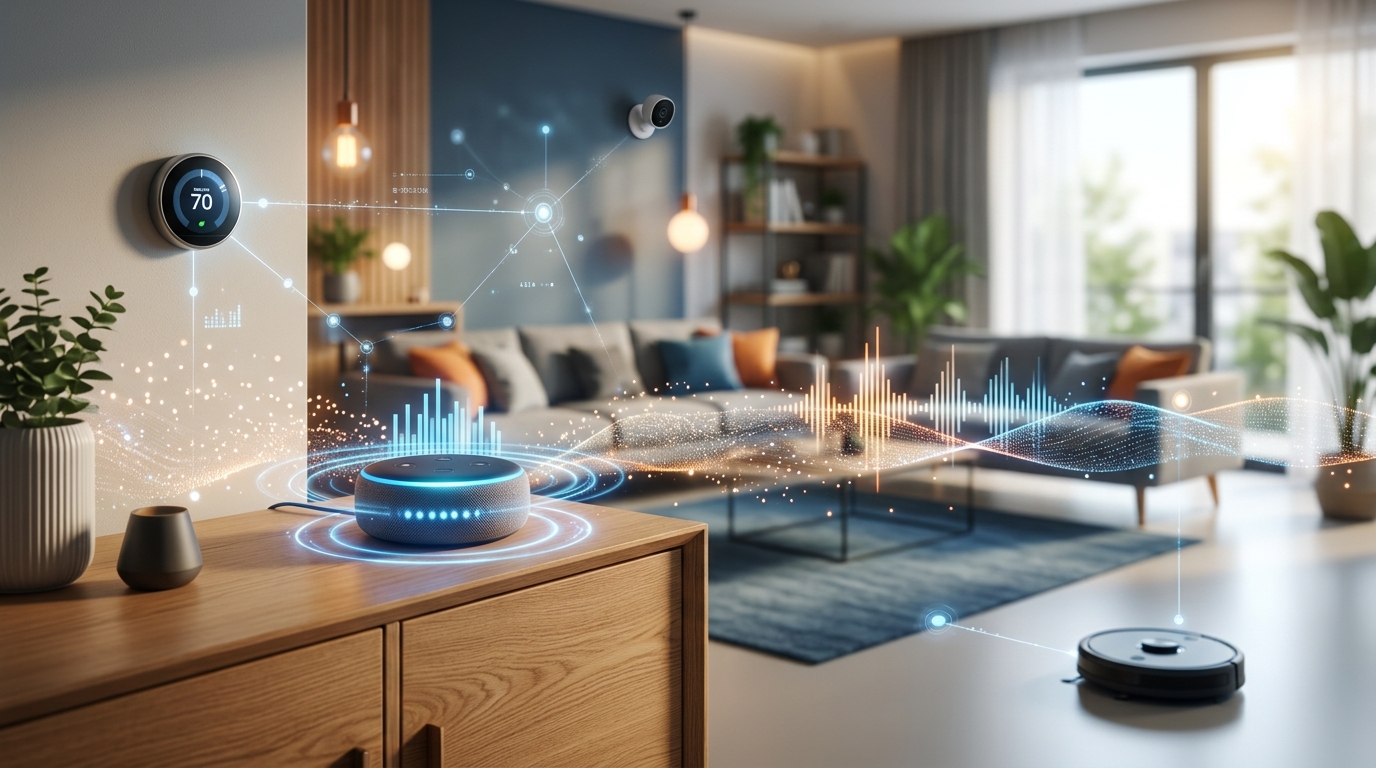
You ask Alexa to play your favorite song. She responds instantly. But how did she hear you in the first place? The answer makes many homeowners uncomfortable: your smart speaker is always listening for its wake word, and that’s just the beginning of how these devices monitor your home.
Smart home devices use constant passive listening to detect wake words, but most don’t record or transmit audio until activated. However, accidental triggers, cloud storage policies, and third-party data sharing create real [privacy risks](https://www.ftc.gov/business-guidance/privacy-security). Understanding what your devices actually hear and implementing proper security settings helps you balance convenience with control over your personal data and conversations.
How smart speakers actually listen
Your Amazon Echo, Google Nest, or Apple HomePod contains multiple microphones that never turn off. They’re always processing sound, but there’s a crucial distinction between listening and recording.
The device runs a small piece of software locally that only recognizes specific wake words. “Alexa,” “Hey Google,” or “Hey Siri” trigger the recording mechanism. Until that happens, the audio buffer gets overwritten every few seconds without being stored or sent anywhere.
Think of it like a security guard who only pays attention when someone says their name. Everything else is background noise that gets immediately forgotten.
But this system isn’t perfect. Studies show these devices activate accidentally far more often than manufacturers admit. One 2019 research project found that smart speakers can be triggered up to 19 times per day by words that sound similar to their wake words.
When your device thinks it heard the wake word, it starts recording. That audio gets sent to company servers for processing. This is where things get complicated.
What happens to your recorded conversations
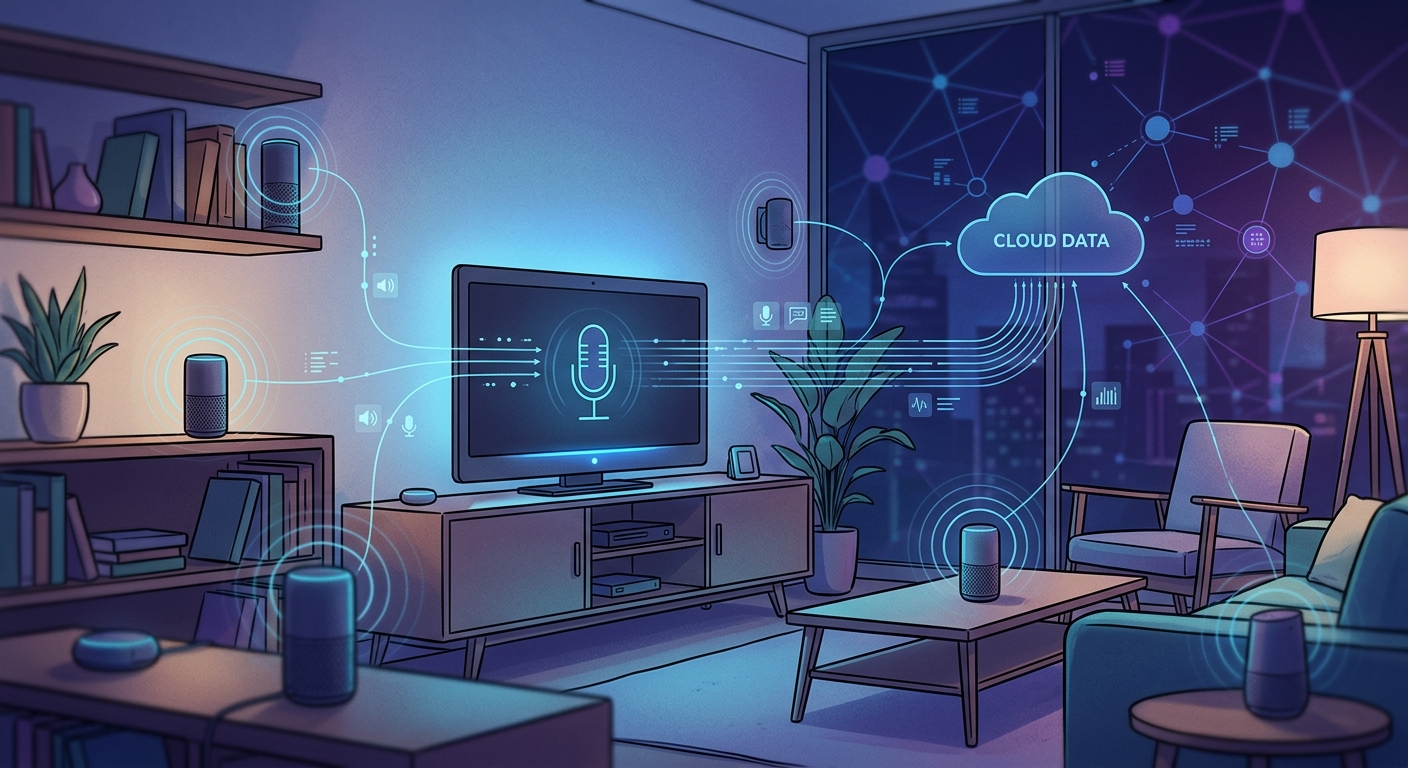
Once activated, your smart speaker records everything until it thinks you’ve finished speaking. This audio travels to the cloud, where it’s analyzed, stored, and potentially reviewed by human employees.
Amazon, Google, and Apple have all admitted to using human reviewers to listen to random voice recordings. The stated purpose is improving accuracy, but these reviewers hear incredibly personal moments: medical conversations, business calls, private arguments, and bedroom activities.
Your recordings don’t disappear after the company processes your request. Most services store them indefinitely unless you manually delete them. Here’s what each major platform does by default:
| Platform | Default Storage | Human Review | Opt-Out Available |
|---|---|---|---|
| Amazon Alexa | Indefinite | Yes (random samples) | Partial |
| Google Assistant | Until deleted | Yes (random samples) | Yes |
| Apple Siri | Up to 6 months | Yes (random samples) | Yes |
| Samsung Bixby | Indefinite | Yes (random samples) | Limited |
The recordings connect to your account, your device ID, and often your location. They paint a detailed picture of your daily routines, relationships, health concerns, and purchasing habits.
Companies use this data to improve their services, but also to target advertising and build consumer profiles. Third-party app developers who create skills or actions for these platforms may also access portions of your data.
Security cameras present different risks
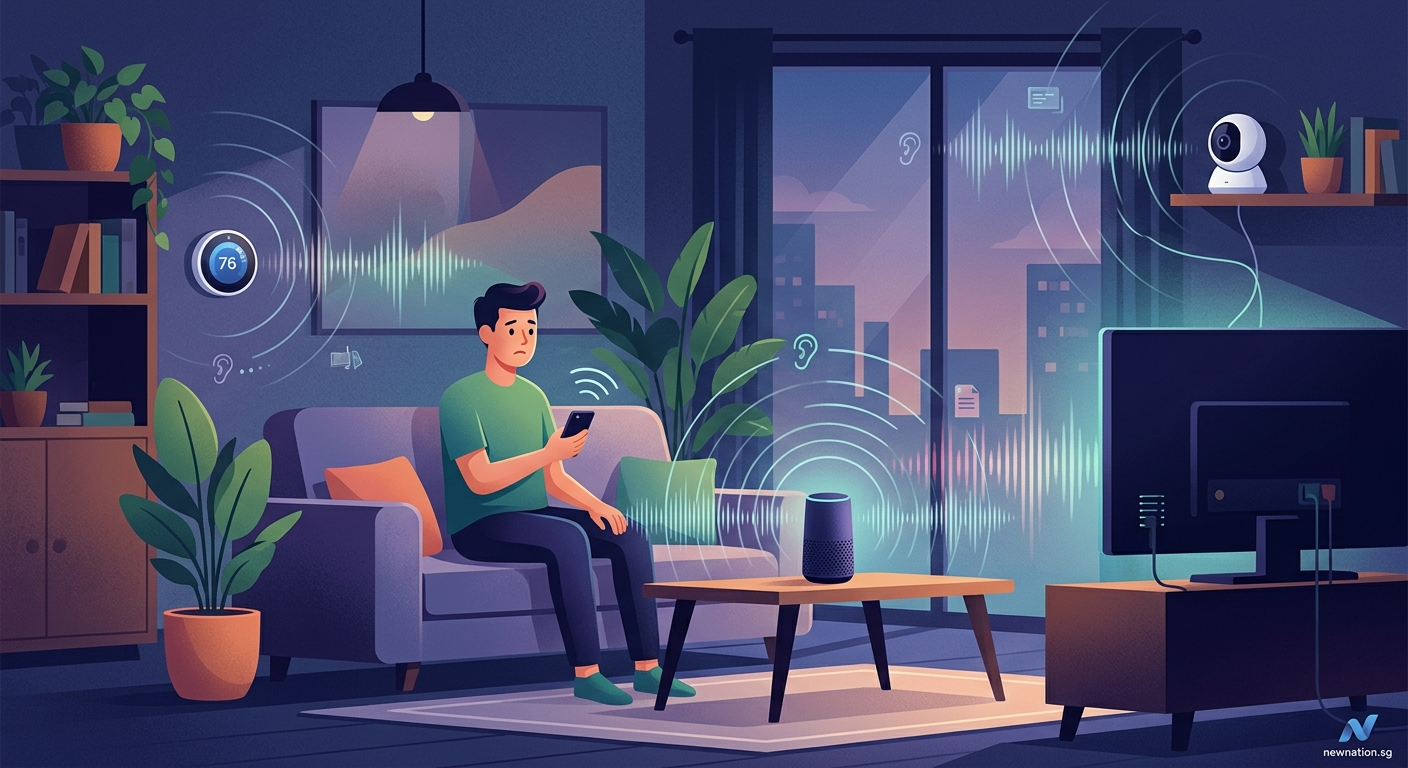
Smart cameras like Ring, Nest Cam, or Arlo work differently than voice assistants, but raise similar privacy concerns.
These devices record video continuously or when motion is detected, depending on your settings. The footage typically streams to cloud servers where it’s stored for days, weeks, or months based on your subscription level.
Many camera systems also include microphones that capture audio alongside video. This means they’re recording conversations in your entryway, living room, or backyard without the need for any wake word.
The biggest risks come from:
- Weak default passwords that hackers can easily crack
- Unencrypted video streams that others can intercept
- Company employees who can access your footage
- Law enforcement requests that companies often fulfill without notifying you
- Subscription services that share data with advertising partners
A 2020 investigation revealed that Ring provided footage to police departments over 11,000 times in a single year, often without requiring warrants or informing homeowners.
Real examples of privacy breaches
These aren’t theoretical concerns. Real incidents show how smart home surveillance can go wrong.
In 2018, an Amazon Echo recorded a private conversation and sent it to a random contact without the owner’s knowledge. Amazon blamed multiple accidental wake word detections, but the couple never heard any confirmation beeps.
A family in Houston discovered strangers were watching their Ring camera and talking to their eight-year-old daughter through the speaker. The hacker had accessed their account through credential stuffing after the family reused passwords from a breached website.
Google employees admitted to leaking over 1,000 private audio recordings to the media in 2019. The recordings, which were supposed to be anonymized, contained enough identifying information to track down specific users.
Smart TV microphones have been caught activating during sensitive conversations. One couple discovered their Samsung TV was recording and transmitting private discussions about their finances and health issues.
When devices listen without permission
Accidental activation represents one of the most common privacy problems with smart home devices. Your speaker might wake up when:
- Someone on TV says a word similar to the wake word
- Background conversation includes phonetically similar sounds
- Music or podcasts contain triggering phrases
- Children play and randomly say combinations that sound like commands
Once activated by mistake, the device records whatever follows. You might never know it happened unless you regularly review your voice history.
Some devices also have hidden features that listen for specific sounds beyond wake words. Amazon’s Alexa Guard can detect glass breaking or smoke alarms. Google Assistant can recognize snoring or coughing. These features require constant audio monitoring, even when you think the device is idle.
The question isn’t whether these devices are listening. They absolutely are. The real question is what they’re doing with what they hear, and whether you have any meaningful control over that process.
Steps to protect your privacy
You can’t eliminate all risks while using smart home devices, but you can reduce your exposure significantly.
Start by reviewing and deleting your voice recordings regularly. Each platform offers different methods:
- Log into your account through the mobile app or web browser
- Navigate to privacy settings or activity history
- Select the date range you want to delete
- Confirm deletion and verify the recordings are removed from all backups
Turn off human review options in your privacy settings. Amazon calls this feature “Help Improve Amazon Services.” Google labels it “Voice & Audio Activity.” Apple uses “Improve Siri & Dictation.” Disable all of them.
Consider using the physical mute button on your devices when having sensitive conversations. This cuts power to the microphones at the hardware level. The device can’t listen, accidentally activate, or record anything while muted.
For cameras, create activity zones that exclude areas where you expect privacy. Point cameras away from windows where they might capture neighbors. Never place cameras in bedrooms or bathrooms, even if you think you’ve disabled them.
Network security matters more than you think
Your smart home devices are only as secure as your network. Weak Wi-Fi passwords or outdated router firmware create entry points for attackers.
Set up a separate network specifically for your smart home devices. Most modern routers support guest networks that isolate devices from your main computers and phones. If someone compromises your smart speaker, they can’t access your laptop or financial information.
Change all default passwords immediately. Use unique, complex passwords for each device and service. A password manager makes this manageable without requiring you to memorize dozens of random strings.
Enable two-factor authentication on every account that supports it. This adds a verification step that prevents attackers from accessing your recordings even if they steal your password.
Update device firmware regularly. Manufacturers release patches for security vulnerabilities, but the updates don’t install automatically on many devices. Check for updates monthly at minimum.
What the future holds
Smart home adoption continues accelerating. Analysts project over 500 million smart speakers will be in use globally by 2024. More devices mean more microphones, more cameras, and more data collection.
Regulations are slowly catching up. California’s Consumer Privacy Act and Europe’s GDPR give residents more control over their data, including the right to deletion and limits on sharing. But enforcement remains inconsistent.
Technology is also evolving. Some newer devices process wake words and simple commands entirely on-device without sending anything to the cloud. Apple’s HomePod mini and Google’s Nest Hub Max include dedicated machine learning chips that handle basic requests locally.
End-to-end encryption is becoming more common for camera footage, meaning only you can decrypt and view recordings. Even the company providing the service can’t access your video.
But these privacy-focused features often come at the cost of functionality. On-device processing can’t match the accuracy and capabilities of cloud-based systems. You’re forced to choose between convenience and privacy.
Making an informed choice
Are smart home devices always listening? Yes, in the sense that their microphones are always active and processing sound. No, in the sense that they’re not always recording or transmitting that audio to servers.
The distinction matters, but it’s not as reassuring as companies want you to believe. Accidental activations, human reviewers, indefinite storage, and data sharing create real privacy risks that affect real people.
You need to decide whether the convenience of voice control and remote monitoring justifies those risks for your household. There’s no universal right answer.
If you choose to use these devices, go in with eyes open. Understand what data they collect, where it goes, who can access it, and how long it’s kept. Use every available privacy control. Treat your voice recordings and camera footage as sensitive information, because that’s exactly what they are.
The technology won’t get less invasive on its own. Companies profit from data collection, and they’ll continue pushing boundaries until users push back. Your purchasing decisions, privacy settings, and willingness to demand better protections determine how this story ends.
Taking back control of your home
Smart home technology should serve you, not surveil you. The devices sitting in your living room, kitchen, and bedroom are incredibly powerful tools, but only if you understand and manage their capabilities.
Start small. Review your privacy settings this week. Delete old recordings. Turn off human review. Set up that separate network you’ve been meaning to create. Each step reduces your exposure and gives you more control over your personal information.
Remember that you can always unplug devices during sensitive moments, use mute buttons liberally, and delete the apps entirely if the privacy trade-offs stop making sense. These tools are optional, and you’re allowed to change your mind about whether they belong in your home.