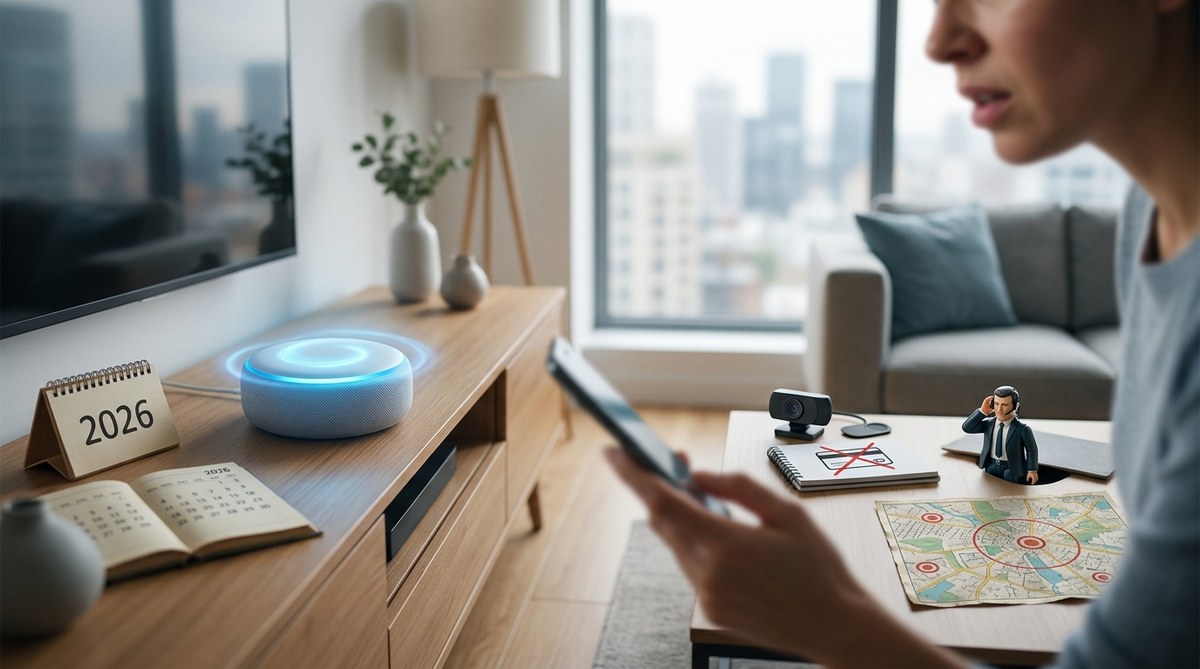
You treat your voice assistant like a helpful sidekick. You ask it to set timers, play your morning playlist, and check the weather. It feels harmless. But every phrase you speak into that speaker or phone mic might be listened to, stored, and even shared. In 2026, with smarter AI and deeper integrations, the stakes are higher than ever.
Before you casually chat with Alexa, Siri, or Google Assistant, know this: some things you should never say to a voice assistant because they could leak your identity, drain your wallet, or expose you to legal trouble.
Voice assistants record everything you say after a wake word. Some phrases like your Social Security number, passwords, or unprotected purchase commands can put your privacy and security at risk. Even “delete my recordings” does not fully erase your data. Learn the five phrases to avoid and how to talk safely with your assistant in 2026.
Your Social Security Number or Full Banking Details
It sounds obvious, but many people accidentally recite sensitive numbers during calls or while reading a bill aloud. Voice assistants from Amazon, Apple, and Google process those words and store the transcript. In 2026, companies still hold onto recordings for training their AI models unless you manually delete them. If someone gains access to your account, your financial info is out there.
A 2025 report from Consumer Reports showed that even after users deleted recordings, Amazon retained metadata for months. Never say your full Social Security number, bank account number, or credit card CVV near a voice assistant. If you need to pay a bill, type it in manually or use a secure app.
“Delete My Recordings” (Without Manual Verification)
Many people believe telling Alexa “delete everything I said today” wipes the data for good. It does not. In 2026, most assistants still keep a backup in the cloud for up to 30 days, even after a voice command to delete. The only real way to clear your history is to go into the app or website and manually review each recording.
Here are the steps to actually remove your data:
- Open your assistant’s app (Amazon Alexa, Google Home, or Apple Home).
- Find the privacy or activity history section.
- Select “Delete all recordings” or use the date filter to remove specific days.
- Then, turn off “Save recordings” in the settings to prevent future storage.
- If you own a smart speaker, unplug it or mute the mic when you discuss anything sensitive.
Saying “delete my recordings” gives you a false sense of control. Trust the manual method instead.
Your Passwords, PINs, or Security Answers
“Hey Siri, what’s my WiFi password?” seems convenient. But your voice assistant reads passwords stored in your keychain or password manager out loud. Anyone in the room can hear them. Worse, if a malicious actor gains remote access to your account, they can play back those recordings.
Even harmless questions like “Alexa, what is my mother’s maiden name?” or “Google, what was my first pet’s name?” reveal common security questions. Never speak these out loud near a microphone. Instead, use a stand-alone password manager that requires face or fingerprint unlock.
“Voice assistants are not confidential. Assume every word you say is being recorded and potentially analyzed. Protect your secrets by never saying them.” — Eva Galperin, cybersecurity director at the Electronic Frontier Foundation
Confidential Work or Legal Confessions
In 2026, many people work from home and keep a voice assistant on their desk. It’s easy to vent about a coworker or say something like “I think we’re going to get sued” or “I falsified a report.” Those recordings stay on the cloud and could be subpoenaed in a legal case. Employers also sometimes review smart speaker data if they suspect misconduct.
- Never discuss trade secrets, client names, or merger plans near a voice assistant.
- Do not admit fault or discuss illegal activities, even as a joke.
- Mute the microphone before any sensitive video call.
- Use a dedicated private space without smart devices for confidential conversations.
A real court case in 2024 involved Amazon handing over Alexa recordings to prosecutors after a crime was discussed in the home. The precedent is set. Treat your voice assistant like a witness that never forgets.
“Buy This” Without Voice Authentication Enabled
Voice assistants make purchasing dangerously easy. If you say “Alexa, order more laundry detergent” and your account has voice purchasing enabled without a confirmation code, the order ships instantly. Kids have accidentally ordered thousands of dollars worth of toys. Guests or pranksters can do the same.
In 2026, Amazon, Google, and Apple offer voice match or voice ID features, but many people skip setting them up. Enable a spoken PIN or require a phone confirmation for any purchase. Also, turn off one-click ordering by voice.
| Phrase | What happens | Risk level |
|---|---|---|
| “Buy this” | Instantly places order | High (no safeguard) |
| “Add to cart” | Adds item but requires manual checkout | Medium |
| “Cancel my order” | May not process if order already shipped | Medium |
| “What’s the price of this?” | Safe query | Low |
Even “add to cart” can lead to accidental purchases if you have voice purchase enabled without a PIN. Always double-check your assistant’s purchase settings.
How to Talk to Your Voice Assistant Without Giving Away the Farm
Your voice assistant can be a useful tool without being a security risk. You just need to adjust a few habits. Keep the microphone muted when you aren’t actively using it. Review your recordings every month and delete any that seem private. Never speak sensitive numbers, passwords, or confessions near the device.
If you want to go further, consider using a dedicated guest mode or asking your assistant to “stop listening” after each command. Some devices now offer a physical mute switch, which is the most reliable option. For more on how smart devices collect data, read about why your smart home devices are listening more than you think.
The goal is not to ditch your assistant. It is to use it with your eyes open. In 2026, your voice data is more valuable than ever. A few smart changes today will keep your secrets safe tomorrow.